Case file 05 · The router nobody changed
Secure WiFi and home network setup in Barry County and NW Arkansas
Your router is the front door to every device in the house. If it still has the password it came with, or the signal dies two rooms away, both get fixed: the right equipment in the right spots, set up the right way, and locked.
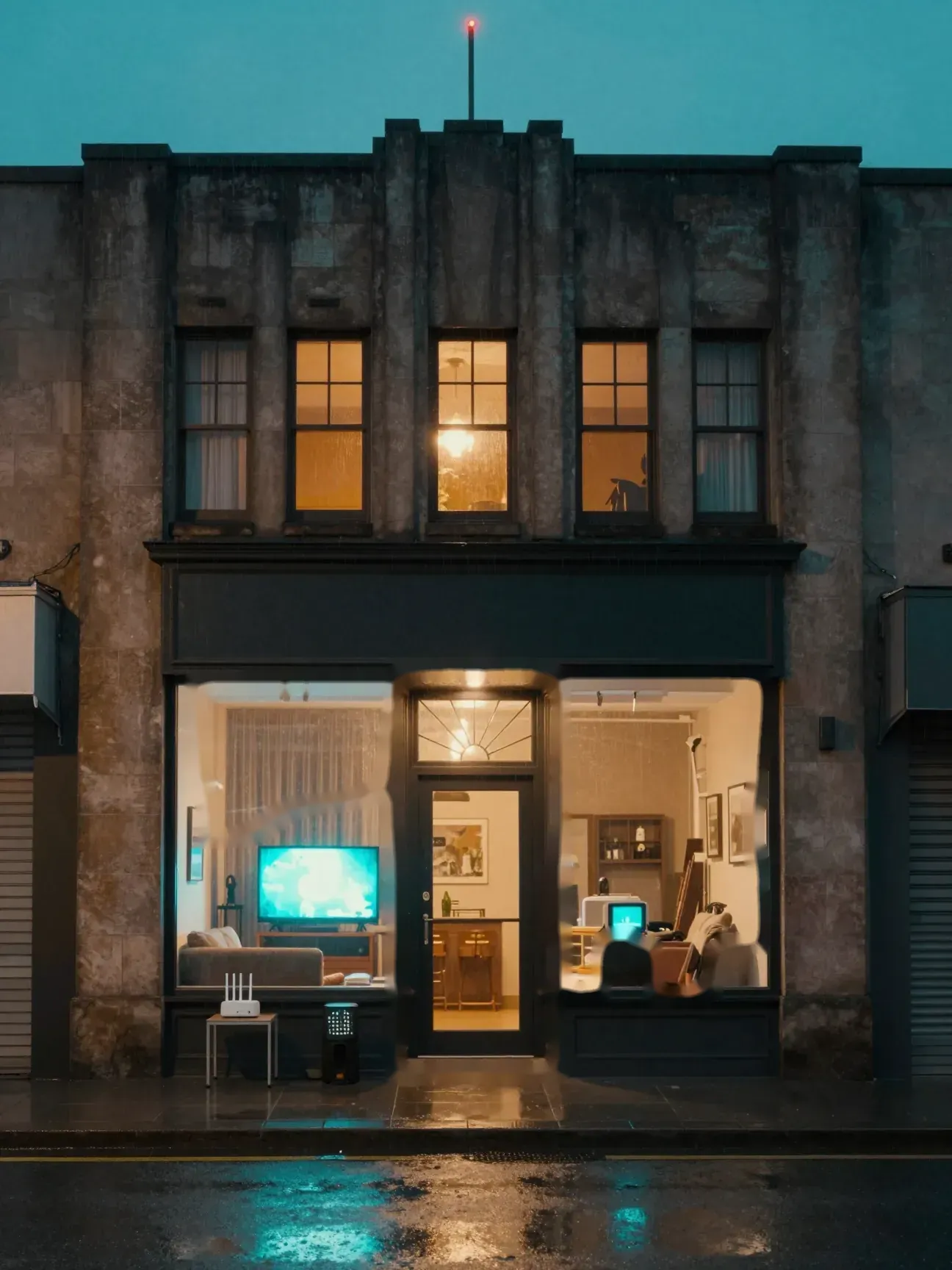
Living room
Still on the password printed on the sticker. And nothing reaches the back bedroom.
Mesh WiFi set up the right way and locked down: strong encryption, a fresh admin password, a guest network for visitors and smart devices, and a signal that reaches every room.
Open the case fileBack room
Smart TV on the same network as your laptop?
Cameras, doorbells, smart plugs and TVs rarely get security updates. A guest network keeps them apart from the laptop you bank on.
Front door
WiFi and home network security
Your router is the front door to every device in the house. If it still has the password it came with, or the signal dies two rooms away, both get fixed: the right equipment in the right spots, set up the right way, and locked.
Open the case fileRouter
Change the router password
For the WiFi it can be a decent start, but the admin password that controls the router should be changed. Whoever controls the router can see and redirect everything on your network.
Antenna
Buy a mesh kit first?
No. If you already have one, we'll set it up. If not, we can tell you what makes sense for the size and layout of your home before you spend anything.
Mesh node
The step most installs miss
A mesh system stacked behind the provider modem makes two routers fight. We set the modem to bridge mode so the mesh runs the whole show.
Explore the scene
Choose an object to open its case card.
Sound familiar?
- A router still on the admin password it shipped with
- Dead zones in bedrooms, the garage, or out on the porch
- Video calls freeze and shows buffer every evening
- Cameras, doorbells and smart TVs on the same network as your laptop
- An extender that made things worse, not better
- A new mesh kit still sitting in the box
How the Dude handles it
Walk the house
We look at where the internet comes in, where you actually use it, and what is in the way.
Place the nodes
Mesh nodes go where they can hear each other and cover the rooms that matter.
Fix the modem
Your provider's modem usually has its own router built in. We set it to pass the connection straight through so the two don't fight.
Lock it and connect
Strong WiFi encryption, a new admin password, current firmware and a guest network for visitors and smart devices. Then your phones, TVs and printers move over and get tested room by room.
Before you call
- Know who your internet provider is
- Have your current WiFi name and password handy
- If you have the login for your provider's account, have it ready
- If you already bought a mesh kit, leave it in the box. We'll place it.
Straight answers
Do I need to buy a mesh system before you come?
No. If you already have one, we'll set it up. If not, we can tell you what makes sense for the size and layout of your home before you spend anything.
Will my internet get faster?
Mesh can't make your internet plan faster than what you pay for. It gets that speed into the rooms where it wasn't reaching.
Is the password on the sticker good enough?
For the WiFi it can be a decent start, but the admin password that controls the router should be changed. Whoever controls the router can see and redirect everything on your network.
Do you set up networks for businesses too?
Yes. Offices, shops and restaurants. Small business security and IT has the details.
Case 05 is open