Case file 02 · The same password everywhere
Cyber security checkups for homes and small businesses
Most break ins do not take a genius. They take a reused password, a missed update, or a router still on the password it came with. A checkup finds those open doors and closes them before somebody else finds them.
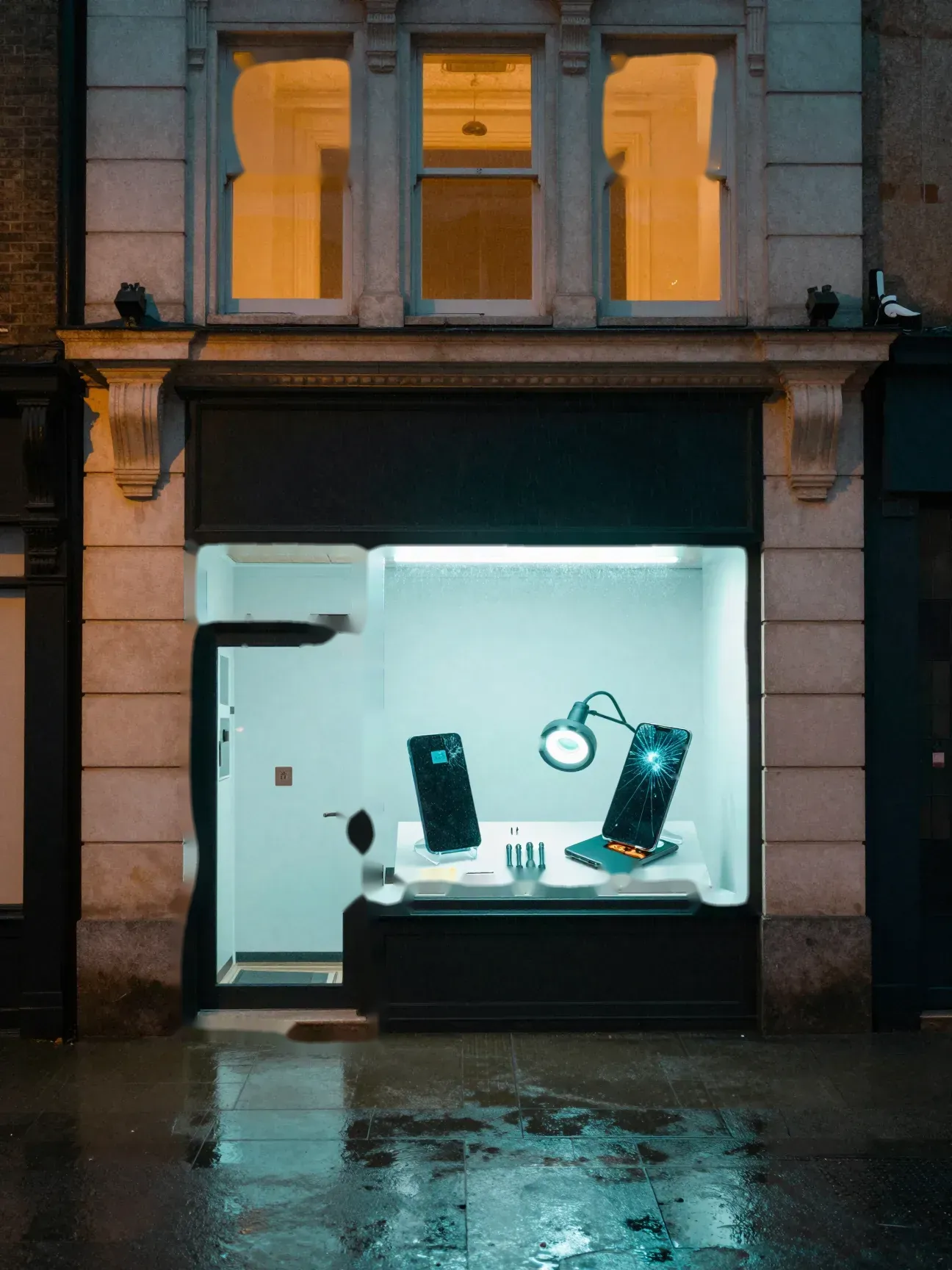

The window
One password for every account. The same one for years.
Accounts, passwords, two factor sign in, updates, router settings and backups, checked and locked down for homes and small businesses, and explained in plain English.
Open the case fileFront door
Cyber security checkups
Most break ins do not take a genius. They take a reused password, a missed update, or a router still on the password it came with. A checkup finds those open doors and closes them before somebody else finds them.
Open the case fileLit window
Too many passwords to remember?
No. A password manager remembers them for you. You remember one strong password, and it fills in the rest.
Lit window
Reset emails you never asked for?
Someone may be trying your accounts. Change that password from a device you trust, turn on two factor sign in, then send the signal.
Send the signalPhone on the stand
What is two factor sign in?
A second check after your password, like a code sent to your phone. Even if someone steals the password, they still cannot get in without that second step.
Second phone
Start with email
Your email can reset the password on almost everything else you own. If someone gets into it, they can get into the rest. That is why email gets locked down first, with a strong password of its own and two factor sign in.
Magnifier
Find the open doors
Reused passwords, missing updates, factory settings, remote access tools nobody needs, and old accounts that should be closed.
Explore the scene
Choose an object to open its case card.
Sound familiar?
- The same password on more than one account
- No two factor sign in on your email or your bank
- Updates that keep getting put off
- A router still on the name and password it came with
- Remote access programs nobody remembers installing
- Password reset emails you never asked for, or sent mail you never wrote
How the Dude handles it
Look it over
Computers, phones, the router and the accounts that matter most: email, banking, and anything that can reset the others.
Find the open doors
Reused passwords, missing updates, factory settings, remote access tools nobody needs, and old accounts that should be closed.
Lock it down
With your OK, we turn on two factor sign in, set up a password manager, apply updates and tighten the router and WiFi.
Explain it
You get a plain English rundown of what we changed and what to watch for, like the signs of a scam.
Before you call
- A list of the accounts that matter most: email, banking, social media
- Your phone, for two factor codes
- The login for your router, if you know it. It is often on a sticker on the router
- Anything strange you have noticed, like reset emails you never asked for
Straight answers
Do I need a checkup if nothing seems wrong?
That is the best time. Most security problems are quiet: a reused password, a missed update, a router on its factory settings. They cause no trouble until someone else finds them first.
Will I have to remember a bunch of new passwords?
No. A password manager remembers them for you. You remember one strong password, and it fills in the rest.
What is two factor sign in?
A second check after your password, like a code sent to your phone. Even if someone steals the password, they still cannot get in without that second step.
Do you check businesses too?
Yes. Offices, shops and restaurants. Small business security and IT has the details, and a physical security check covers the network closet.
Case 02 is open